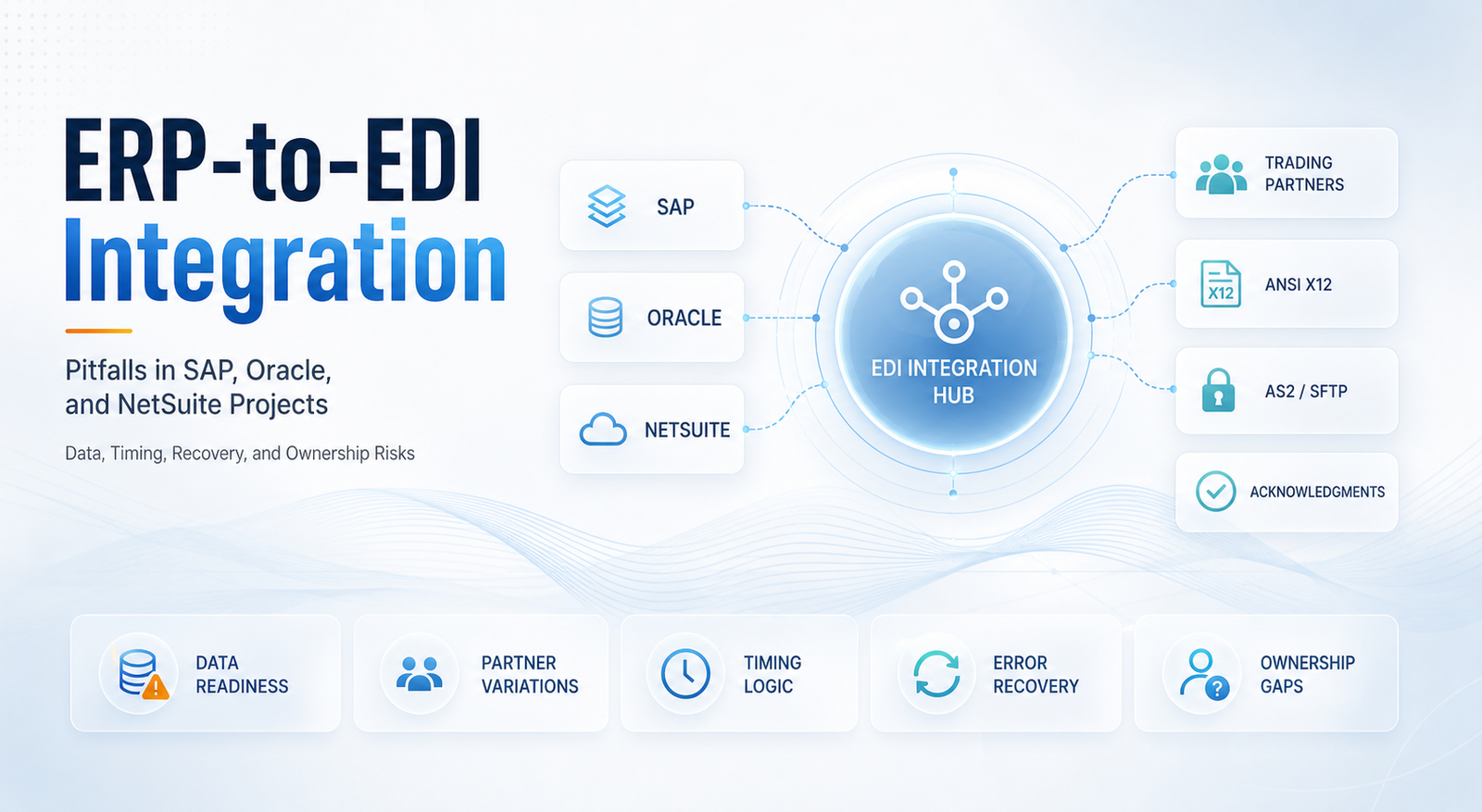
ERP-to-EDI Integration Pitfalls in SAP, Oracle, and NetSuite Projects
- DataSync
- 18 Aug, 2026
- 03 Mins read
- Edi
ERP-to-EDI integration projects often look straightforward on paper. The goal sounds simple: connect SAP, Oracle, or NetSuite to an EDI platform so purchase orders, invoices, shipment notices, and acknowledgments move automatically.
Pitfall 1: Assuming the ERP Data Is Already EDI-Ready
Many teams begin with the assumption that ERP records can be mapped directly into EDI transactions with minimal transformation.
That is rarely true.
SAP, Oracle, and NetSuite often hold the right business information, but not always in the exact structure, field combination, or timing required for ANSI X12 documents. Missing ship-to details, inconsistent item identifiers, weak unit-of-measure handling, or incomplete partner-specific rules can break the flow quickly.
Pitfall 2: Underestimating Partner-Specific Variations
Even when two partners use the same transaction set, such as an 850 or 810, they may still require different segments, codes, qualifiers, or validation rules.
Teams often design integration around the ERP structure first and forget that EDI is partner-driven. That leads to brittle mappings, rejected documents, and repeated change requests once onboarding begins.
Pitfall 3: Ignoring Process Timing and Status Logic
ERP-to-EDI integration is not just about field mapping. It is also about when data is released, updated, retried, or acknowledged.
For example:
- An order may be created in the ERP before all required fields are finalized
- A shipment may be confirmed after the EDI document was already triggered
- An invoice may need tax, currency, or approval data that is not available at the first event
If status handling is weak, the integration can produce duplicate messages, incomplete transactions, or documents sent at the wrong stage of the workflow.
Pitfall 4: Treating Error Handling as a Support Problem
Many projects focus heavily on go-live mapping and not enough on operational recovery.
When an SAP IDoc fails, a NetSuite workflow stalls, or an Oracle outbound job sends incomplete data, teams need more than an error email.
Without controlled retries, audit logs, and searchable transaction history, small issues quickly become business delays.
Pitfall 5: Splitting Ownership Across Too Many Teams
ERP teams, EDI teams, infrastructure teams, and business operations teams often all own part of the process, but no one owns the full workflow.
That creates slow troubleshooting and unclear accountability. One team checks transport. Another checks mapping. Another checks the ERP record. Meanwhile, the trading partner is waiting for a valid document.
What Better ERP-to-EDI Projects Do Differently
Stronger projects usually:
- Validate ERP data readiness before mapping begins
- Design around partner-specific requirements early
- Align document triggers to real business events
- Build monitoring, retry handling, and auditability into the first release
- Define clear ownership across ERP, EDI, and operations teams
Final Takeaway
ERP-to-EDI integration in SAP, Oracle, and NetSuite projects is rarely blocked by connectivity alone. The bigger risks are usually data readiness, workflow timing, partner variation, and lack of operational visibility.
Teams that treat ERP-to-EDI integration as an end-to-end business process, not just a technical interface, usually deliver more stable and scalable results.
Our Team Members