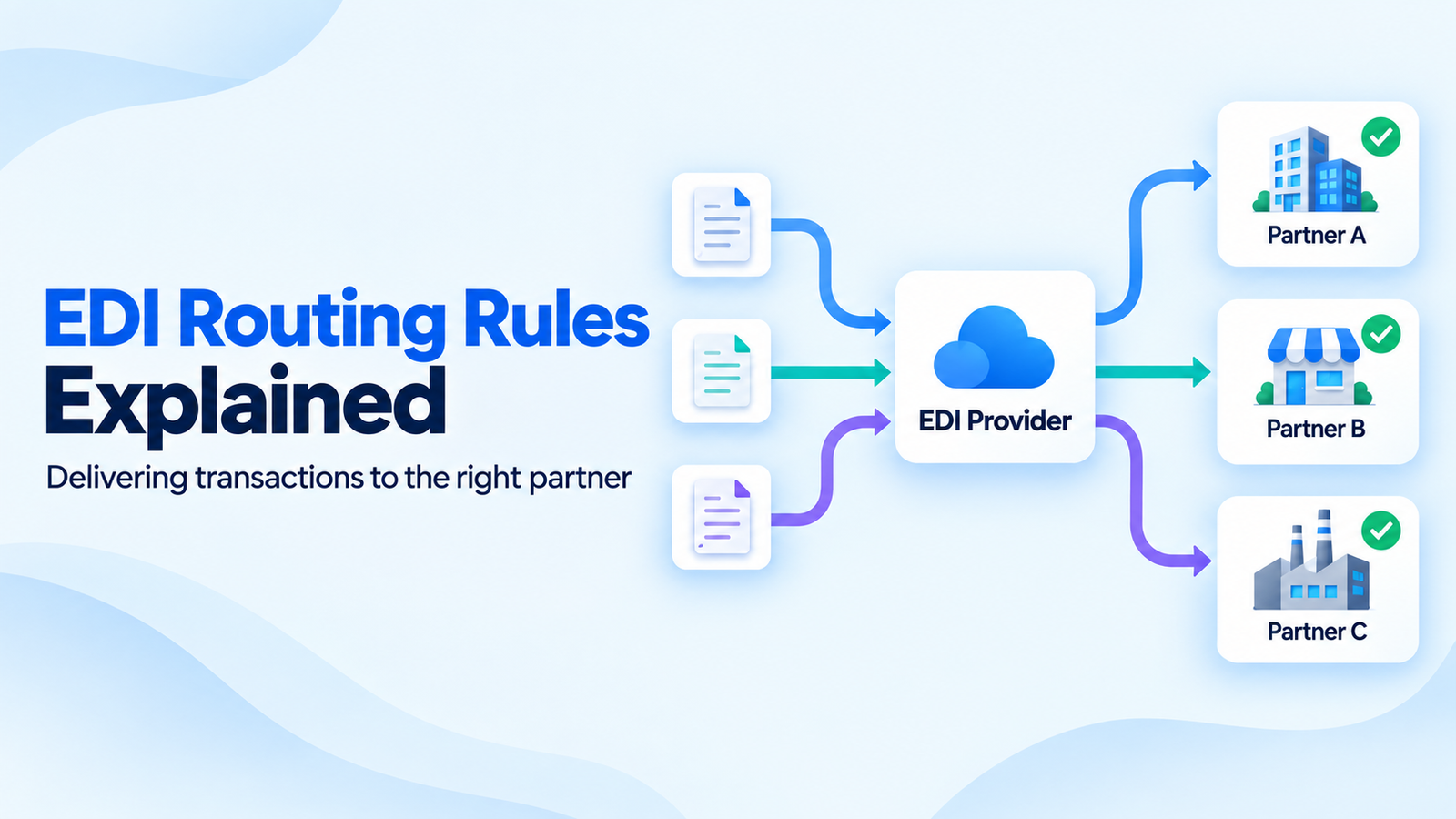
EDI Routing Rules Explained: How EDI Providers Deliver Transactions to the Right Partner
- DataSync
- 14 Sep, 2026
- 03 Mins read
- Edi
Every EDI transaction needs a destination. When a business exchanges purchase orders, invoices, and shipment notices with multiple partners, its EDI provider needs clear rules for deciding where each document belongs.
EDI routing rules connect a transaction’s identity and purpose to a configured partner, processing workflow, and delivery destination. The exact matching process varies by platform.
Start With Sender and Receiver IDs
Routing begins with identifying who is sending the document and who should receive it.
For incoming X12 messages, the interchange envelope carries sender and receiver IDs with qualifiers that identify the type of ID being used. Providers match these details against configured partner records; an ID alone may not be enough.
A routing configuration typically considers:
- Sender and receiver IDs and their qualifiers
- Transaction type and document version
- Inbound or outbound direction
- Test or production environment
- Partner agreement and processing workflow
- Destination connection or mailbox
These details should be agreed during onboarding and kept current when a partner changes its setup.
Match the Transaction to the Right Workflow
Identifying the partner is only part of the decision. The provider also needs to determine how to process the document.
An 850 purchase order, 856 advance ship notice, and 810 invoice can require different maps, validations, and internal destinations, even when they belong to the same partner relationship.
For example, an incoming purchase order may go to order management, while an invoice goes to accounts payable. Document type helps select the appropriate workflow within the configured relationship.
Resolve the Partner Before Outbound Delivery
Outbound routing may start with ERP data rather than an already formed EDI envelope.
Consider an invoice for Retailer A. A configured customer-to-partner lookup identifies Retailer A’s profile, selects its invoice map, and supplies the envelope IDs. The delivery workflow then uses that partner’s connection settings.
IBM’s B2B Send documentation describes this use of trading profiles and contracts to determine how and where a document is sent.
Keep Routing and Transport Settings Clear
The receiver ID identifies the intended recipient within the configured EDI relationship. It is not itself a network address.
The selected delivery profile supplies details such as an AS2 endpoint, SFTP location, or VAN mailbox. Mapping determines the document’s format; transport handles its transfer.
Keeping these settings clear makes it easier to diagnose whether a failure came from partner selection, document processing, or the connection.
Handle Missing or Conflicting Matches
A reliable setup needs a defined response when no route matches or several rules could apply.
Send unmatched transactions to an exception queue for review. Where rules overlap, document the platform’s precedence behavior and test the expected result before enabling them.
Avoid a broad fallback that sends unknown documents to a default partner. A routing exception is easier to resolve than an invoice delivered to the wrong recipient.
Track Delivery and Acknowledgments
Selecting a route does not prove that the partner accepted the transaction.
Operations teams should be able to see:
- Which partner and routing rule were selected
- Whether mapping and validation passed
- Which destination received the transfer
- Whether expected acknowledgments arrived
- Which transactions need investigation or controlled retries
Transport receipts and EDI acknowledgments answer different questions. An AS2 MDN reports transport-level receipt and processing status; an X12 997 or 999 reports functional or implementation-level processing results. Neither alone proves business acceptance of an order or invoice.
Keep Test and Production Routes Separate
Test transactions need an explicitly configured test path.
Use the agreed environment indicators and separate profiles or destinations where required. Some partners reuse IDs across environments, so confirm how the complete configuration distinguishes test traffic from live documents.
Test valid routes, unknown IDs, unsupported document types, and overlapping rules before go-live.
Final Takeaway
EDI routing rules turn partner configuration into a repeatable delivery decision.
Accurate identifiers, clear document workflows, maintained delivery profiles, and visible exception handling help providers deliver each transaction to the intended partner and track what happened afterward.
Our Team Members