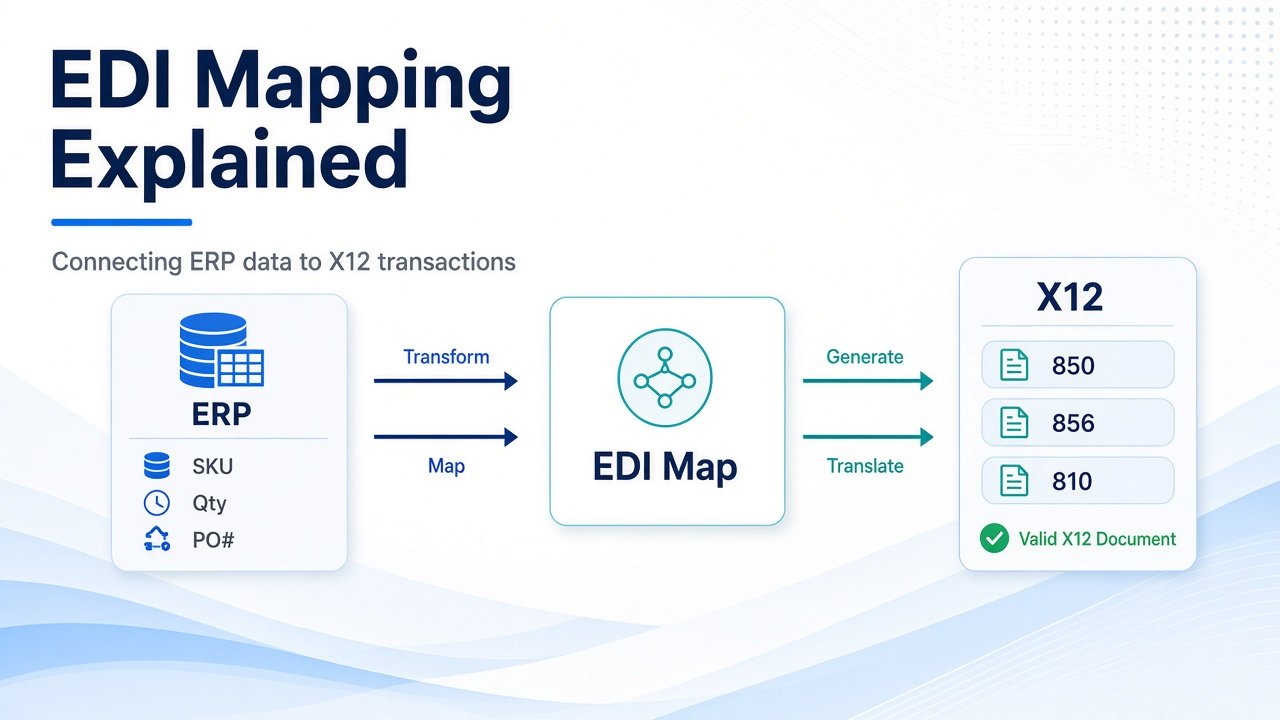
EDI Mapping Explained: Connecting ERP Data to X12 Transactions
- DataSync
- 16 Sep, 2026
- 03 Mins read
- Edi
EDI mapping is the bridge between your ERP data and the ANSI X12 documents your trading partners expect. Without a clear map, purchase orders, ship notices, and invoices either fail validation or arrive incomplete.
In practice, mapping turns internal business fields into structured EDI segments that partners can process automatically.
What EDI Mapping Actually Does
An EDI map defines how data moves from one format to another.
On the ERP side, that usually means fields such as customer number, item SKU, quantity, ship-from location, price, and invoice total. On the EDI side, those values land in X12 segments and elements inside documents such as 850, 855, 856, and 810.
The map is the rule set that says which ERP field belongs in which EDI element, and under what conditions.
Start From the Partner Requirement, Not the ERP Screen
Strong mapping starts with the trading partner’s companion guide or implementation guide.
That guide defines required segments, code lists, qualifiers, packing rules, and acknowledgment expectations. Mapping only from ERP screens often creates files that look complete internally but fail partner validation.
Always confirm:
- Which transaction sets are in scope
- Which fields are mandatory
- Which codes and qualifiers are allowed
- Whether test and production rules differ
Common ERP-to-X12 Connections
Most operations teams see the same core relationships again and again.
Typical examples include:
- ERP purchase order number to 850 BEG or REF references
- Item and quantity fields to PO1 and related detail segments
- Shipment and packing data to 856 HL, MAN, and TD structures
- Invoice totals and tax lines to 810 IT1, TDS, and SAC segments
The exact path varies by partner, but the principle stays the same: every required EDI element needs a reliable ERP source.
Mapping Is More Than Field Matching
Good EDI maps also handle transformation logic.
That can include date formatting, unit-of-measure conversion, default values, conditional segments, lookup tables, and partner-specific qualifiers. A one-to-one field copy is rarely enough for production EDI.
This is why mapping work should be owned jointly by EDI and business operations, not treated as a pure technical task.
Validate Before Go-Live
A map is not finished when the first file generates.
Teams should test happy-path and exception cases, confirm acknowledgments such as 997, and verify that ERP downstream processes receive the translated data correctly. Late discovery of missing pack levels, wrong item IDs, or blank ship dates is one of the fastest ways to create chargebacks and support noise.
Keep Maps Maintainable
As partners change requirements, maps need controlled updates.
Use clear naming, version notes, partner-specific variants, and documented source fields. When a map is opaque, every small partner change turns into a high-risk change request.
Final Takeaway
EDI mapping is how ERP data becomes partner-ready X12 transactions.
When maps are based on partner requirements, cover transformation rules, and are tested end to end, EDI stays reliable as volume and partner count grow.
Our Team Members